Status
Live
Role
Creator, Full-Stack Development
Stack
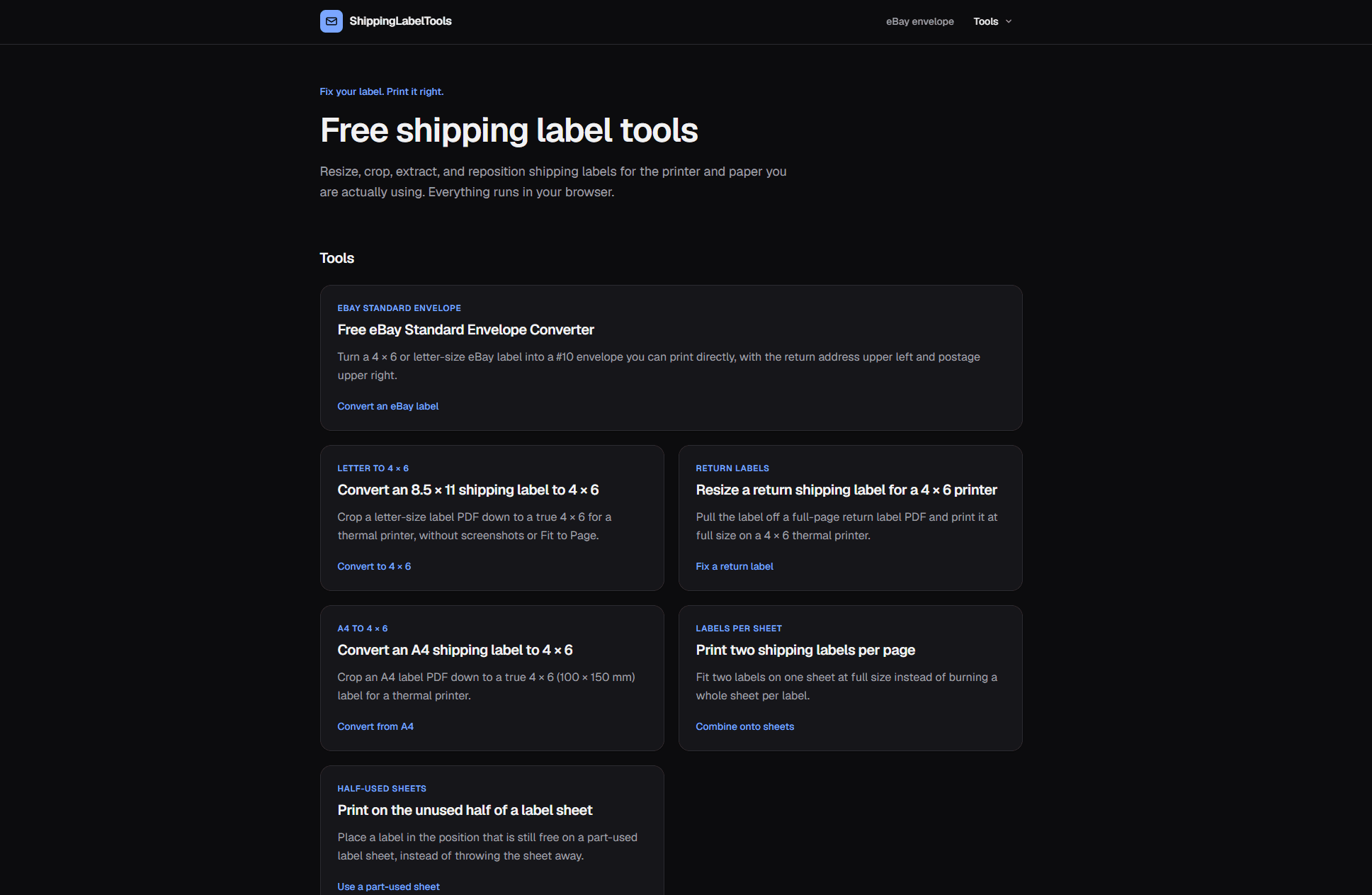
A set of free browser-based tools that take whatever shipping-label PDF a marketplace handed you and turn it into something your printer can actually print. Cropping, resizing, repositioning, and envelope rebuilding, all running locally in the browser so the label never leaves the device.
The Problem
Marketplaces and carriers issue labels in whatever format suits them, not the format you are printing on. A 4 × 6 label arrives centered on an 8.5 × 11 sheet. A return label shows up as a small box floating beside instructions nobody needs. An eBay Standard Envelope label is a 4 × 6 page that has to end up on a #10 envelope, which is a completely different shape.
The usual workarounds all make it worse. Fit to Page rescales the barcode along with everything else, and a barcode printed at 78% of its intended width can fail to scan at the carrier. Screenshotting the label throws away the vector artwork. Both turn a formatting problem into a delivery problem.
Key Features
- eBay Standard Envelope converter -- rebuilds the three regions of an eBay label onto a true 9.5 × 4.125 inch page, return address upper left and postage upper right, so it prints straight onto a #10 envelope
- Letter, A4, and return label to 4 × 6 -- finds the label on an oversized page and crops to it, producing a true 4 × 6 for a thermal printer
- Two labels per page -- fits two labels on a single sheet at full size, rotated to make the geometry work, halving label paper use
- Partial label sheet printing -- places a label in the position still free on a half-peeled sheet instead of putting toner on bare backing paper
- Batch conversion -- drop a multi-page PDF and every page comes back converted in one job
- Nothing is uploaded -- conversion is JavaScript in the browser, so buyer names and addresses never reach a server, and the tools keep working offline
How It Works
Each label PDF is parsed with PDF.js to locate the printed region on the page, measuring where ink actually falls rather than trusting a fixed offset, since every carrier lays its page out differently. The chosen region is then clipped and placed onto a newly built page with pdf-lib at 1:1 scale, embedding the original vector drawing rather than rasterizing it. Barcodes come out with exactly the bar widths the carrier generated. When an output page is genuinely too small to hold the label at full size, the tool says so instead of silently scaling.
The eBay envelope conversion is the one case that takes the label apart: because that label is drawn as three separate blocks on one page, each block can be lifted and repositioned independently onto envelope geometry. Every other tool places the label whole, since slicing an arbitrary label would cut it in half.
Tech Stack
Built on Next.js 16 and React 19 with Tailwind CSS, deployed on Vercel. The PDF engine is pdf-lib for composition and pdfjs-dist for parsing, both running client-side. Stripe covers the paid tier for large batches; the eBay envelope converter stays free at any volume.
Built for Search
The site is structured around the way people describe these problems rather than around the features. Each tool gets its own page, title, and description targeting one specific phrasing -- "why does my eBay label print in the center of the envelope" is a different search from "8.5 x 11 to 4 x 6 shipping label", and each deserves a page that answers exactly that. Supporting guides cover what a converter cannot do for you, like driver settings and envelope dimensions.
Underneath, every page carries its own canonical, Open Graph card generated at build time, and structured data describing it as a tool, an article, or a set of questions, so search engines get the same clear picture of each page that a reader does.
Tags